Let’s face it – most racing software doesn’t live up to its promises. I’ve spent countless hours studying lap data, more than some drivers spend racing.
This isn’t just another review. We’re cutting through the marketing noise like a finely tuned engine. Which subscriptions are worth your money?
We’ll dive into QRacing’s impressive auto-circuit detection. MyRaceLab’s honest GPS checks that expose bad receiver spots. And RaceQs’ unique sailing approach that makes data fun to see.
Imagine Consumer Reports meets Top Gear, but with better humor and fewer bad haircuts. We’re here to find the best from the rest.
Key Features Compared
Ever wonder what makes racing software top-notch? It’s not just about looks. It’s about features that boost your speed. Let’s explore what makes the best racing software shine.
QRacing’s beacon editing system is like a digital Swiss Army knife for track analysis. You can mark start/finish lines and tricky corners. It’s super flexible, catering to every driver’s unique style.
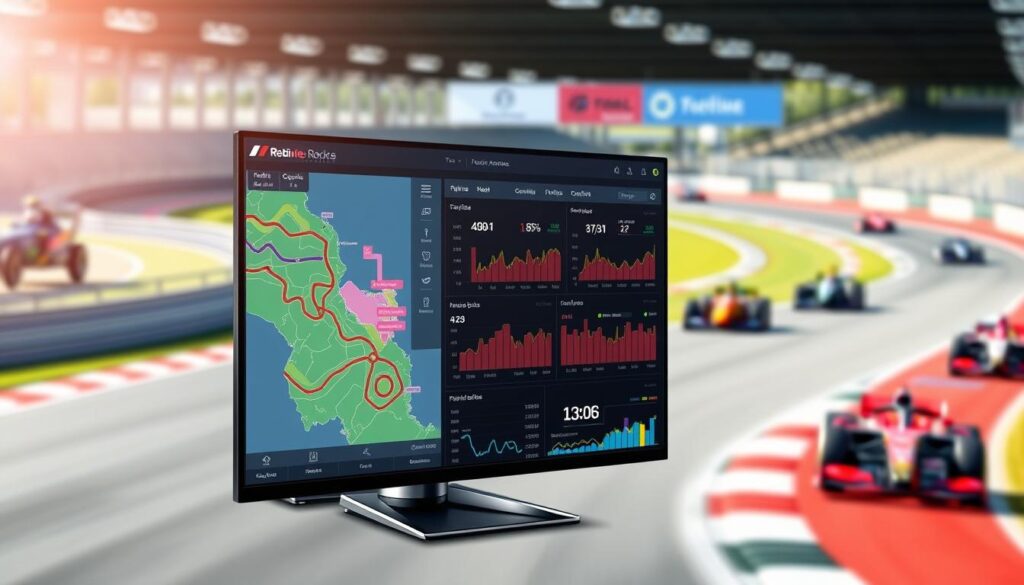
Multi-language support is a big plus. Imagine explaining your setup to a team from around the world. It’s the little things that make software great.
The track comparison tools are fascinating. Imagine having a ghost car system from Mario Kart, but it’s your friend’s real data. This feature can cut seconds off your lap times.
Other platforms, like those at Sim Racing Telemetry, focus on data validation. They help you avoid embarrassing mistakes by checking your data.
Here’s what sets top racing software apart:
- Advanced beacon systems that adapt to your analysis style
- Multi-language interfaces for international racing teams
- Ghost car comparison features for real-time improvement
- Track validation that prevents data catastrophe
- Export capabilities that work with other analysis tools
The best racing software doesn’t just give you data. It gives you insights. Knowing you’re slow in corner three isn’t enough. Understanding why you’re slow is where real improvement starts.
These tools turn numbers into useful knowledge. They teach you how to drive better. In sim racing, that’s more valuable than any fancy gear.
Use Cases for Amateurs and Pros
Ever wonder how Lewis Hamilton and your cousin Dave at track day use the same motorsport data tools? These tools are great for everyone, from garage tinkerers to professional pit crews.
Weekend warriors love QRacing’s “graceful failure modes.” Their ignore lap feature is perfect for those moments when you’re figuring out your car. It’s like having a coach who doesn’t judge you.
The horsepower estimation tool? It’s like aspirational math. It might make you think your Civic has Ferrari DNA. And sometimes, that confidence is key.
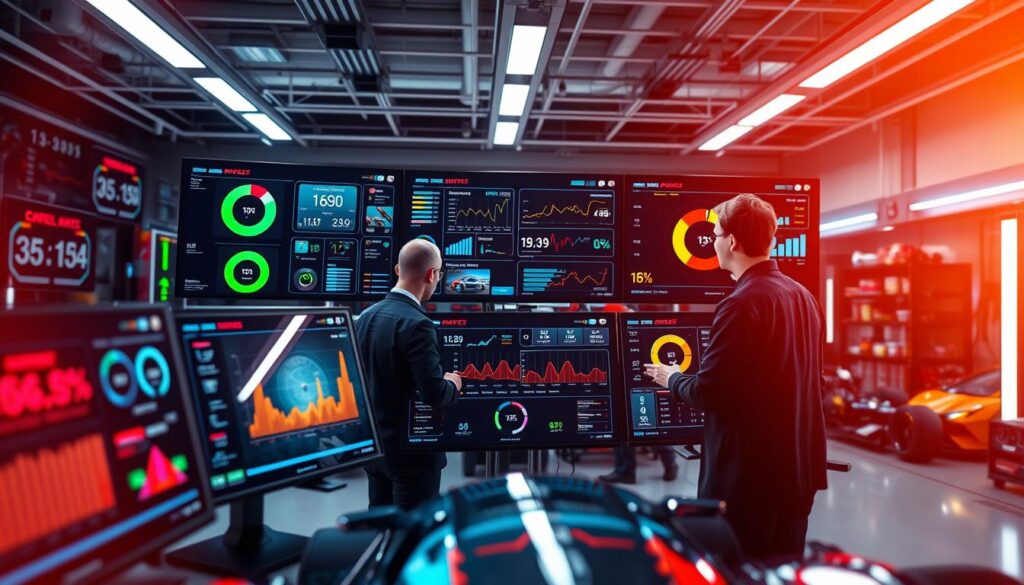
Professionals use QRacing in a whole different way. Their roadbook editing for rally events is incredibly detailed. You could navigate the Dakar blindfolded with their pace notes.
RaceQs is like having a NASA-level coach in your pocket. Professional sailors use it for deep analysis. It’s like having a sports psychologist with a physics degree.
Imagine having a crew chief, data engineer, and sports psychologist in your pocket. These tools don’t just show numbers. They tell the story behind every decision and turn.
Whether you’re shaving milliseconds or avoiding embarrassment, modern motorsport data tools make racing smarter. They help everyone, from champions to amateurs, find their racing line.
Compatibility Guide
Before you start racing on your phone, let’s check if your devices match up. It’s like making sure your phone and racing app are a good match before you start racing. This way, you avoid any problems that might ruin your racing experience.
QRacing is very picky about what devices it works with. It only works well with Qstarz GPS devices. It’s like they only accept a certain type of coffee.
MyRaceLab, on the other hand, is very open. It works with many GPS devices. They give specific advice to help you avoid common problems.
Now, let’s talk about how well these apps work on different phones. iOS and Android handle these apps differently. Sometimes, they can even crash or drain your battery, ruining your race.
| App | Recommended GPS Hardware | iOS Performance | Android Performance | Battery Impact |
|---|---|---|---|---|
| QRacing | Qstarz devices only | Stable, optimized | Variable performance | Moderate drain |
| MyRaceLab | Multiple brands supported | Excellent stability | Consistent performance | Minimal impact |
| RaceTracker Pro | Built-in phone GPS | Good basic performance | Better than iOS | Significant drain |
The table shows some interesting facts. QRacing works great on iOS but is picky. MyRaceLab works well on both iOS and Android.
Also, how old your phone is matters a lot. Older phones can’t handle the GPS and data work these apps need. It’s like trying to watch 4K video on an old TV.
Before you download a racing app, check if your phone meets the app’s requirements. This way, you can avoid any problems that might ruin your racing fun.
User Testimonials
Ever wonder if the best racing software really works? Don’t just believe me—listen to what sailors and coaches say. They use it every day.
Markus Heitkoetter’s Optimist team isn’t just kids in boats. They’re learning to analyze data with RaceQs. They show that even young sailors can beat the pros with the right tools.
Phil Devereux loves data visualization. As a coach, he values clear feedback. He says the best software helps everyone improve, not just beginners.
Matt Read talks about the importance of easy-to-use tracking apps. The best tools make complex analysis simple. They help you improve, whether you’re racing or just trying to avoid last place.
These stories aren’t just sales pitches. They’re real proof. Good software doesn’t just track your progress. It changes how you race.